May Dispatch Delays Cost Contractors $500/Day: Fix It Now
May dispatch chaos costs contractors $500+ per day. Learn how field service management software eliminates delays, protects margin, and keeps your crew running.
The $500-a-Day Problem Hiding in Your Dispatch Process
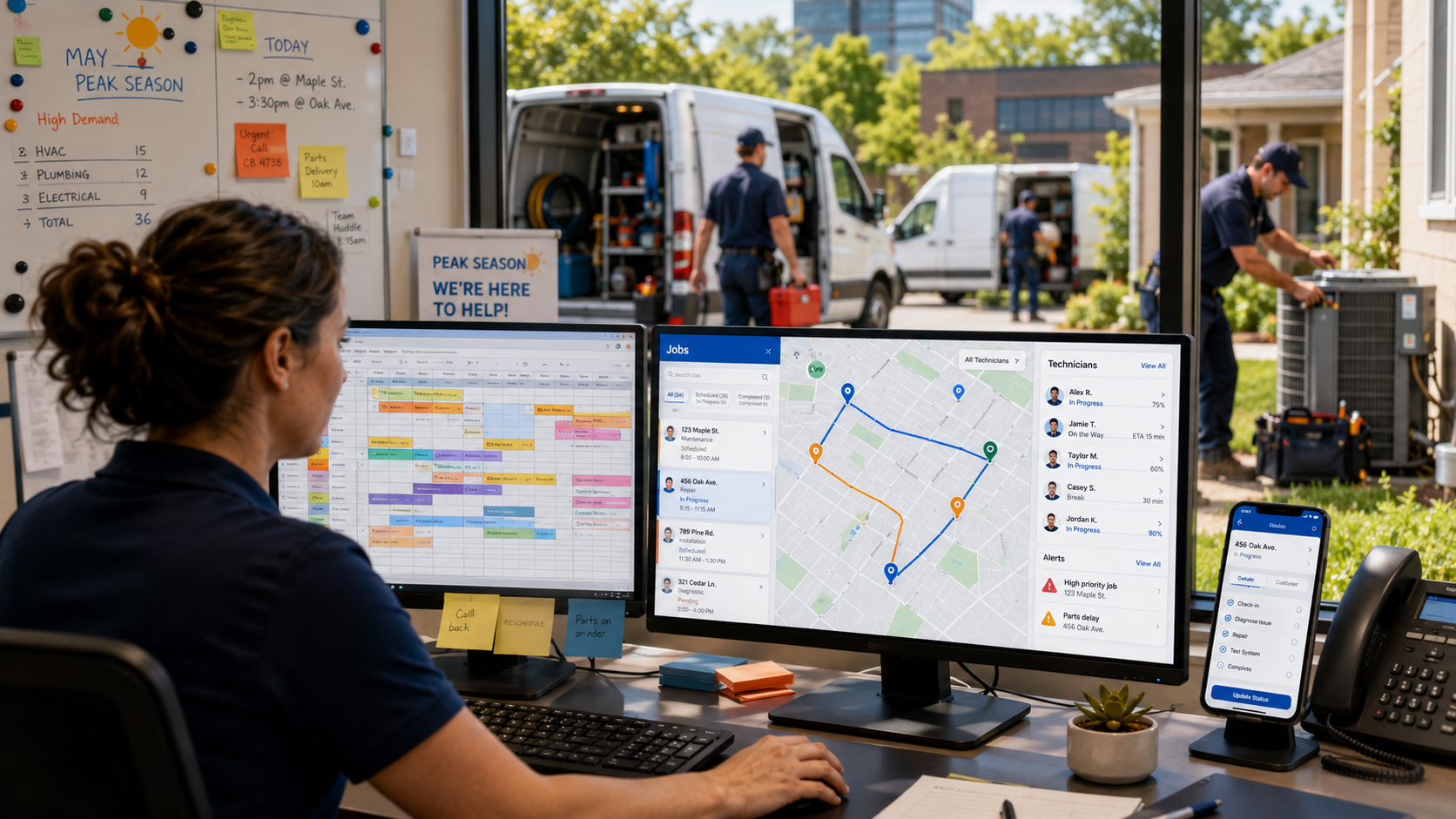
If you run an HVAC, plumbing, electrical, or any field service crew, you already know the chaos that hits in May. Phones ringing, techs in the field, jobs piling up, and somehow your dispatcher is still working off a whiteboard or a color-coded spreadsheet. That's where field service management software stops being a "nice to have" and starts being the difference between a profitable month and a stressful one.
Here's the number that should keep you up at night: contractors who rely on manual dispatch routinely lose $400 to $600 per day in wasted labor, missed jobs, and overtime. That's not a guess. According to Makula, 41% of field service organizations say lack of real-time data and visibility is a top barrier to faster dispatch and response times. When you can't see where your techs are or what's next on their list, you're flying blind, and blind flying is expensive.
May is peak season for most trades. More jobs, more customers, more pressure. The contractors who win this season aren't necessarily the best at their trade. They're the best at running their operation.
Why Manual Dispatch Breaks Down in Peak Season
Picture this: it's 8:15 a.m. on a Tuesday in May. You've got four techs in the field, two jobs rescheduled from last week, a new emergency call from a repeat customer, and your office admin is trying to figure out who's closest to which job using a phone call and a gut feeling. Sound familiar?
Manual dispatch creates a chain reaction of problems. A job takes longer than expected, nobody updates the schedule, the next customer waits without warning, and by the time the day ends you've got an angry callback, a tech in overtime, and a no-show review sitting on Google.
The deeper issue is data. Without real-time visibility into where your team is and what they've completed, every dispatch decision is a coin flip. Deloitte research cited by Lystloc found that companies using real-time technician tracking and telematics can extend effective working capacity by 20 to 30 percent. That's not a software pitch. That's the math of knowing where your people are.
And it compounds. Delays lead to overtime. Overtime eats margin. Burned-out techs make more mistakes. If you want to understand how burnout fits into this picture, check out this piece on May Workforce Burnout: Field Service Management Software Prevents $8K+ Turnover. The dispatch problem and the people problem are connected.
What Field Service Management Software Actually Does for Dispatch
Let's get specific. This isn't about "going digital" for its own sake. Good field service management software solves dispatch problems in ways that show up directly in your revenue and your sanity.
Here's what the right field service app handles automatically:
- Real-Time GPS Dispatch: You see every tech on a live map. When a job finishes early or runs late, you reassign in seconds, not minutes. No phone tag.
- Smart Scheduling with Double-Booking Prevention: The system won't let you stack two jobs in the same slot for the same tech. That alone eliminates an embarrassing and costly category of mistakes.
- Automated Arrival Alerts: Customers get a text when the tech is on the way. Fewer "where is he?" calls to your office. Fewer one-star reviews about communication.
- Job Status Updates in Real Time: When a tech marks a job complete in the field, your office sees it instantly. The next job can be dispatched without a phone call.
- Geofencing and Time Tracking: Location-verified clock-ins mean you know when your team actually arrived at the job, not just when they said they did.
- Pipeline Dashboard Management: Every open job, every pending estimate, every follow-up sits in one view. Nothing falls through the cracks.
This is exactly what the FieldServ AI platform is built to do. Not theory. Actual tools your dispatcher or your office admin can use on day one.
The Real Cost: What Delays Are Actually Taking From You
Let's do the math on a bad dispatch day. Say you have four techs. Each one loses 45 minutes to poor routing, unclear job updates, or waiting on instructions. That's three hours of billable time gone. At even $100 per hour per tech, you've burned $300 before lunch.
Add one overtime shift triggered by jobs that ran late because of poor sequencing. Add one customer who didn't get a heads-up and left a bad review. Add one job that got missed entirely because a callback slipped through. You're well past $500 by end of day, and that's a conservative number.
The scale gets scarier in larger organizations. ServicePath reports that unplanned downtime can cost industries as much as $260,000 per hour. That's an industrial figure, but the principle applies at any scale. Downtime in your business, whether it's a tech sitting idle waiting for dispatch or a job delayed because no one knew the customer's history, costs real money every time.
The good news? A Forrester study found that companies modernizing with field service software saw 346% ROI and $42.65 million in benefits over three years. You don't need to be a large enterprise to feel that kind of return. Even a two-tech plumbing or HVAC operation saves real money when dispatch runs tight.
Want to see how missed calls pile onto dispatch problems? This article on The Callback Avalanche: 6 Field Service Management Software Features That Prevent $8K in Lost April Revenue breaks it down in detail.
How Contractor CRM Software Closes the Loop on Dispatch
Here's something most contractors miss: dispatch isn't just a scheduling problem. It's a customer relationship problem. When a tech shows up without knowing the customer's history, the job takes longer, the customer feels like a number, and the chance of an upsell drops to near zero.
A solid field service CRM connects the dots. The tech walks in knowing this is a repeat customer, what was installed last time, what warranties are active, and what the customer complained about on the last visit. That context changes the conversation and the outcome.
Contractor CRM software like what's built into FieldServ AI also handles the follow-up. After the job closes, the system automatically sends a review request. It tracks whether the customer is due for a recurring service. It flags upsell opportunities based on job history. The tech doesn't have to remember any of it, and neither does your admin.
For HVAC businesses specifically, hvac business software that combines dispatch, CRM, and automated follow-up is not a luxury item anymore. It's what separates contractors growing their recurring revenue from those starting over every spring. The same applies to plumbing business software where return customers and maintenance plans are the margin protectors when new installation work slows down.
And if you're running solo, don't assume this doesn't apply to you. The article Myth Busted: Solo Contractors Need Field Service Management Software makes a strong case for why one-person operations often benefit the most.
Getting Started Without Overhauling Your Whole Operation
The hesitation most contractors have is understandable. "I don't have time to learn new software during peak season." Fair. But the right platform doesn't demand a three-month onboarding process. It fits into how you already work and eliminates the friction points one by one.
Start with dispatch and GPS tracking. Those two features alone will give you visibility you've never had. Once your team is using the mobile app in the field, layer in automated customer notifications. Then turn on the review requests. Each step compounds.
You can also explore how the FieldServ AI automation tools handle the repetitive tasks your admin is doing manually right now, like sending appointment reminders, following up on open estimates, and flagging jobs that need attention.
The no-show problem is closely tied to dispatch, and it's worth addressing separately. See May No-Show Epidemic: Field Service Management Software That Cuts No-Shows by 60% for a focused breakdown on that specific issue.
If you're ready to stop losing $500 days to dispatch problems, the path forward is straightforward. Contact Us at FieldServ AI and see how quickly you can get your operation running like a tight crew instead of a controlled fire. May is already here. The question is whether you're going to finish it ahead or just survive it.
Frequently Asked Questions About Dispatch Delays and Field Service Management Software
Q: How much does dispatch inefficiency actually cost a small contractor per month?
Based on common field service benchmarks, a contractor losing just 45 minutes per tech per day to poor dispatch is burning 15 to 20 hours of billable time per month per technician. At $100 per hour, that's $1,500 to $2,000 per tech per month in lost productivity, before you count overtime, callbacks, and missed jobs.
Q: Does field service management software work for solo operators or just larger crews?
It works for both, and solo operators often see faster results because every improvement goes straight to the bottom line with no layers in between. Automated scheduling, customer notifications, and follow-up tools are especially valuable when you're the only person doing everything.
Q: What's the difference between a field service app and a field service CRM?
A field service app typically handles scheduling, dispatch, and job tracking in the field. A field service CRM manages the customer relationship side, including history, follow-ups, and communication. The best platforms combine both so your techs and your office are working from the same information in real time.
Q: How long does it take to set up and start using FieldServ AI?
Most contractors are operational within a day or two for core features like scheduling and dispatch. Full onboarding including automations, CRM, and payment integrations typically takes one to two weeks depending on the size of your operation and how much customization you need.
Q: Can FieldServ AI integrate with QuickBooks?
Yes. FieldServ AI syncs with both QuickBooks Online and QuickBooks Desktop, so your job revenue, payments, and expenses flow into your accounting system without manual data entry. That integration alone saves most contractors several hours per week.
Tags
Written by
FieldServ AI Team
Field service management insights from the FieldServAI team.
Related Articles

The August Margin Leak: Why Peak Season Kills Profit
Contractors lose margin in busy months, not slow ones. Here are four peak-season leaks that never reach your revenue report, the math behind them, and why weekly margin review beats a monthly close.

Field Service Management Software: Set It Up in 48 Hours, No IT
Think field service management software needs IT skills? Myth busted. Here's the exact 48-hour, no-code setup plan solo contractors use to go live.
June No-Shows Cost $7K+: Field Service Management Software Fix
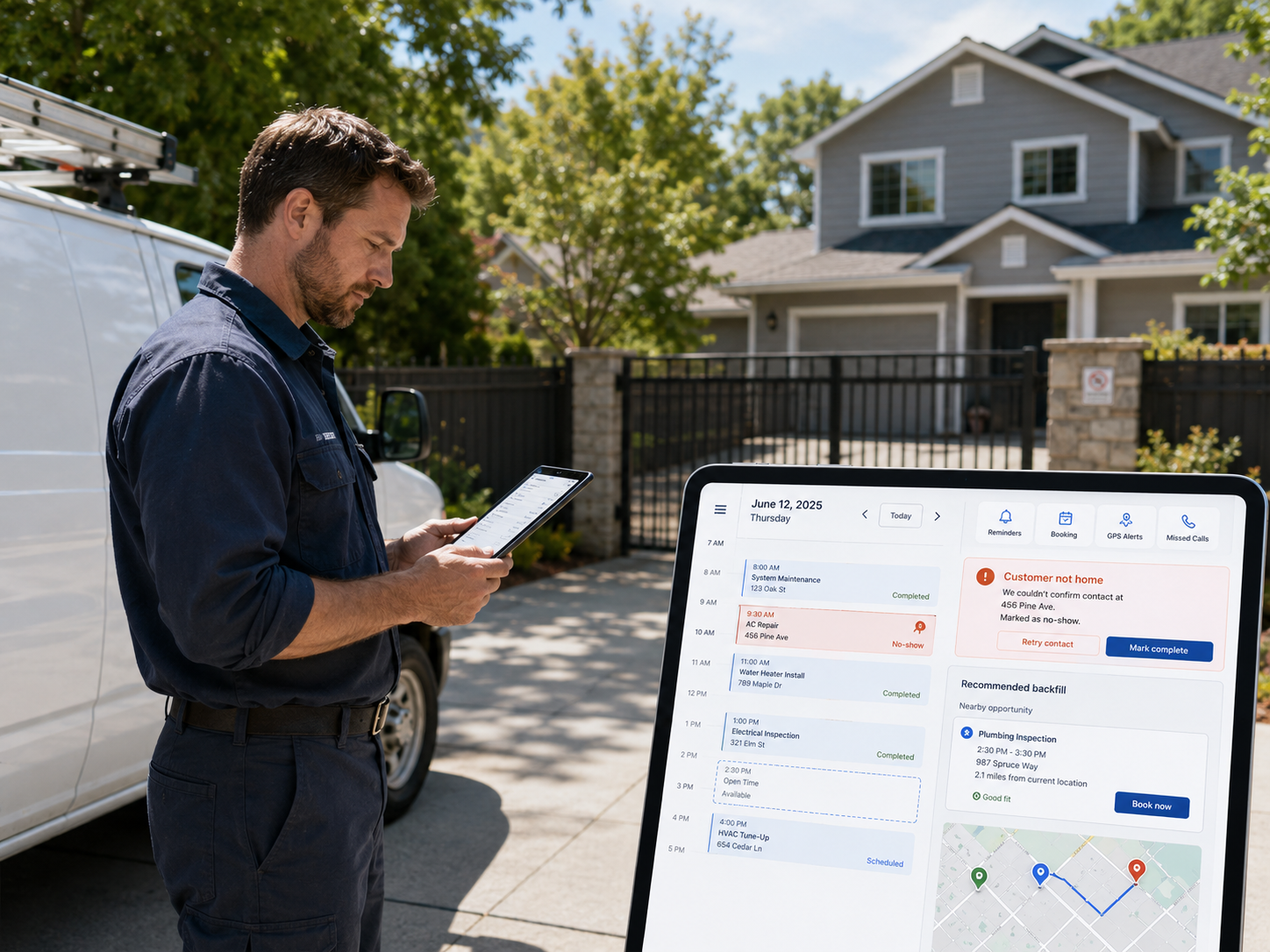
June no-shows can cost field service pros $7K+ a month. Here are 3 field service management software features that stop them before 2 PM.
See FieldServ AI in Action
Get a personalized demo and see how AI-powered field service management can transform your business.
Book Your Demo