
Field Service Software vs. Excel: 4 Costly Spring Mistakes
Excel spreadsheets are costing your field service business thousands, especially during the spring rush. Discover the 4 most costly mistakes contractors make before peak season and how modern field service software fixes them.

Stop Leaving Money on the Table Before Spring Rush
It's late February. You've got three crews ready, phone lines are starting to buzz, and your calendar is filling up fast. But here's the problem: you're still managing everything in spreadsheets, text messages, and sticky notes.
Spring rush is coming. And for contractors still relying on Excel and manual processes, it's about to get ugly.
The difference between thriving through peak season and drowning in chaos often comes down to one choice: whether you're running your business on spreadsheets or on software built for field service. 68% of field service managers cite "inefficient scheduling" as a top operational challenge, and most of them are still stuck in outdated systems.
Here's what we've learned working with hundreds of contractors: managing field service time sheets for a team of five technicians might seem feasible, but the same process becomes cumbersome and error-prone for a team of fifty or more. And once you hit spring season with higher call volume, those small inefficiencies explode into lost jobs, missed revenue, and frustrated teams.
Mistake #1: Double-Booking Your Best Technicians (Then Losing the Job)
This one happens every single day in Excel-based shops. Your dispatcher enters a job in the main schedule. Your office manager double-checks the calendar. But that spreadsheet wasn't saved to the cloud, or the link died, so she's working off Tuesday's version.
Result: Your most reliable tech is booked for two jobs at 2 PM. One customer gets an apology and a reschedule. The other? They call your competitor next time.
Manual scheduling processes in Excel often lead to errors that result in missed appointments, unhappy customers, and a damaged company reputation. Missed appointments also cause revenue losses and increased costs. And during spring, when you're managing 50+ weekly appointments instead of 20, the margin for error shrinks to zero.
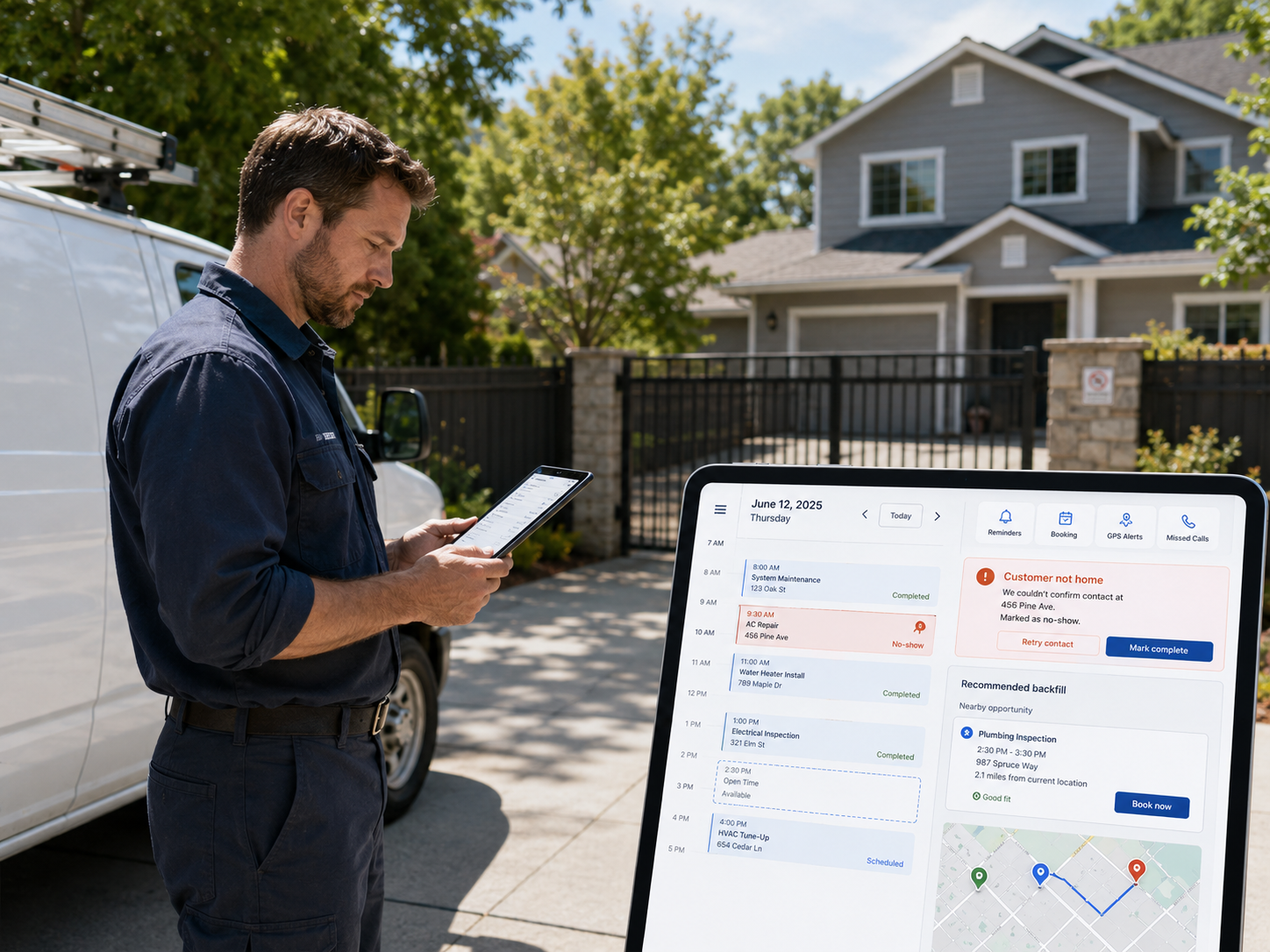
Real-time scheduling software eliminates this completely. With mobile-first job management, your entire team sees the same calendar at the same moment. A job that gets scheduled in the office updates instantly on your dispatcher's phone. Your tech knows exactly where he needs to be before he finishes the last job.
According to industry reports from the Air Conditioning Contractors of America (ACCA), effective scheduling can improve job completion rates by up to 30%, that's real money when you're doing 100+ jobs per week.
Mistake #2: Losing Hours (and Profit) to Manual Admin Work
Let's talk about the elephant in the room: how much time your team spends on paperwork instead of service work.
Studies show field technicians spend over 7 hours per week on paperwork and other low-value tasks, translating to a weekly loss of $260,000+ at a company with 1,000 full-time technicians. For a 10-person crew, that's roughly 70 hours per week, or 1.75 full-time employees' worth of labor, just pushing paper and updating spreadsheets.
Excel is inherently static, meaning any updates to a service call management Excel sheet must be done manually and shared with others. This can result in delays and miscommunication, particularly in a fast-paced environment.
Spring season makes this exponentially worse. When you're juggling 100 jobs instead of 50, that manual data entry doesn't double, it quadruples. Invoices pile up. Job photos sit in an email inbox waiting to be uploaded. Customer follow-ups get lost in a text thread.
The solution? Workflow automation built into field service software handles what Excel can't. Modern field service management software replaces spreadsheets and manual logs with a centralized platform. This eliminates disconnected data and helps technicians, office staff, and accounting teams stay aligned.
Your tech fills out a digital work order once, including photos, materials, time, signature, and it flows directly to invoicing, QuickBooks, and your customer portal automatically. No re-entry. No delays.
Mistake #3: Paying for Features You're Hacking Around (and Still Coming Up Short)
Here's what we hear from contractors every week: "We have all these tools, Calendly for scheduling, CompanyCam for photos, Square for payments, Mailchimp for email, and HubSpot for CRM. We piece it all together with Zapier and hope nothing breaks."
And then spring hits. Your Zapier integration fails. Payments don't sync to your accounting. A customer photo from Tuesday gets lost because nobody can find where it was saved. You're paying for 5+ subscriptions, they don't talk to each other, and you still feel like something's missing.
A purpose-built field service platform does what 5 separate tools can't: it gives you one source of truth. One login. One complete job history that includes scheduling, photos, communications, signatures, time tracking, invoicing, and customer data, all connected.
Learn why your crew doesn't need 5 separate apps when a single integrated platform handles all of it.
And here's the financial reality: you're probably spending $200-400/month across multiple tools. A comprehensive field service platform costs less and eliminates the friction that's actually costing you jobs. Modern solutions can deliver returns of 300% or more in the first year alone.
Mistake #4: Flying Blind on Which Jobs Are Actually Profitable
You ran 50 jobs last week. You think most of them were solid. But you don't actually know which ones made money and which ones bled margin because you're tracking time on paper, invoicing from memory, and hoping the math works out at tax time.
When spring gets busy, this becomes dangerous. You're so focused on completing jobs that you never stop to ask: Am I charging enough? Is this customer profitable? Where are my time leaks?
Precise job costing gives contractors the true cost of every project. Not an estimate, not a general category, but the exact labor, materials, equipment, and overhead tied to each job. Without a reliable job costing workflow, you run into problems that directly impact your bottom line.
Field service software with built-in business intelligence and profit reporting shows you in real-time: What was the actual cost of that job? What was the margin? Which customer pays fast, and which always delays? Which service line is your cash cow?
That's the data that changes everything. One contractor we work with realized their routine maintenance jobs were their most profitable, but they'd been chasing emergency calls (which had thin margins) because it felt urgent. Once they could see the profit picture clearly, they shifted their capacity toward maintenance contracts and grew revenue 23% in three months.
What to Do Right Now (Before Spring Rush Hits)
If you're managing your field service business with spreadsheets and you've got spring coming, your window to change this is closing fast.
Here's the move:
- Audit what you're actually using. List every tool your team touches, every calendar, every form, every way a job gets tracked. You'll probably find 3-5 different apps, each owning a piece of the puzzle.
- Calculate the real cost of staying in Excel. Manual processes or simple spreadsheets are no longer feasible for managing a digital field service organization. Add up your monthly subscription costs, plus the hours your team spends on data entry and rework. That's your real baseline.
- Get a system in place before peak season. The worst time to implement new software is May 15th, when you're drowning. Get set up now, in late February, and let your team get comfortable before chaos.
FieldServ AI replaces 5+ separate tools with one integrated platform, mobile app and web dashboard that handles scheduling, dispatching, job tracking, customer communication, invoicing, payments, and business intelligence. All features included. No hidden per-user fees. No surprise costs.
Learn the 5 inventory strategies top contractors use to dominate spring season.
Better yet: our Founders Club members lock in $49/month pricing forever, versus the standard $99/month. That's a $3,872 annual savings for someone committing early. For most contractors, that pays for itself in saved admin time alone.
Start Your Free 21-Day Trial today. No credit card required. No contracts. Get your team set up, import your customer list, schedule a few jobs, and see exactly how much time you save. Most contractors realize within a week that spreadsheets were costing them far more than any software ever could.
Call us at (760) 330-4890 if you want to talk through your specific challenges, or visit our features page to see how other field service businesses use the platform.
Spring rush doesn't have to be chaos. It can be your most profitable season, but only if you've got the right system in place.
Frequently Asked Questions
Q: Can I really replace 5 separate apps with one field service software?
Yes. Modern field service platforms combine scheduling, dispatching, mobile job tracking, customer communication, invoicing, payments, and reporting in one system. You'll still integrate with your accounting software (like QuickBooks), but you eliminate the friction of jumping between multiple tools for core operations.
Q: How long does it take to switch from Excel to field service software?
Migration typically takes 2-4 weeks, depending on how much historical data you need to import. Most contractors see immediate benefits in the first week (better scheduling visibility), with productivity gains accelerating as your team gets comfortable with the system. Start now if spring rush is 6-8 weeks away.
Q: What if my team is resistant to change?
Resistance usually fades once technicians see that software makes their day easier, not harder. Less paperwork. No more double-booking confusion. Real-time updates so they know exactly where to go next. Frame it as solving problems they complain about daily, and adoption follows naturally.
Q: How much can I really save with field service software?
FSM software helps small businesses achieve 300-400% ROI within six months through combined benefits, including labor saved from reduced admin, fuel savings from better routing, faster invoicing (better cash flow), and fewer callback jobs from having complete information upfront.
Q: Is FieldServ AI right for solo operators or small teams?
Absolutely. We serve solo operators managing 5-10 weekly jobs as well as multi-crew businesses running 200+. The platform scales with you, and all features are included at every tier, no "upgrade to Professional to unlock scheduling" tricks.
Tags
Written by
FieldServ AI Team
Field service management insights from the FieldServAI team.
Related Articles

The August Margin Leak: Why Peak Season Kills Profit
Contractors lose margin in busy months, not slow ones. Here are four peak-season leaks that never reach your revenue report, the math behind them, and why weekly margin review beats a monthly close.

Field Service Management Software: Set It Up in 48 Hours, No IT
Think field service management software needs IT skills? Myth busted. Here's the exact 48-hour, no-code setup plan solo contractors use to go live.
June No-Shows Cost $7K+: Field Service Management Software Fix
June no-shows can cost field service pros $7K+ a month. Here are 3 field service management software features that stop them before 2 PM.
Ready to Modernize Your Field Operations?
FieldServ AI helps service companies streamline scheduling, dispatching, and customer management.
Get Started Free