
Summer Surge Prep: 5 Inventory Strategies for Field Service Management Software
Summer demand spikes destroy unprepared contractors. These 5 inventory management strategies, powered by field service management software, keep your trucks stocked and profits protected.
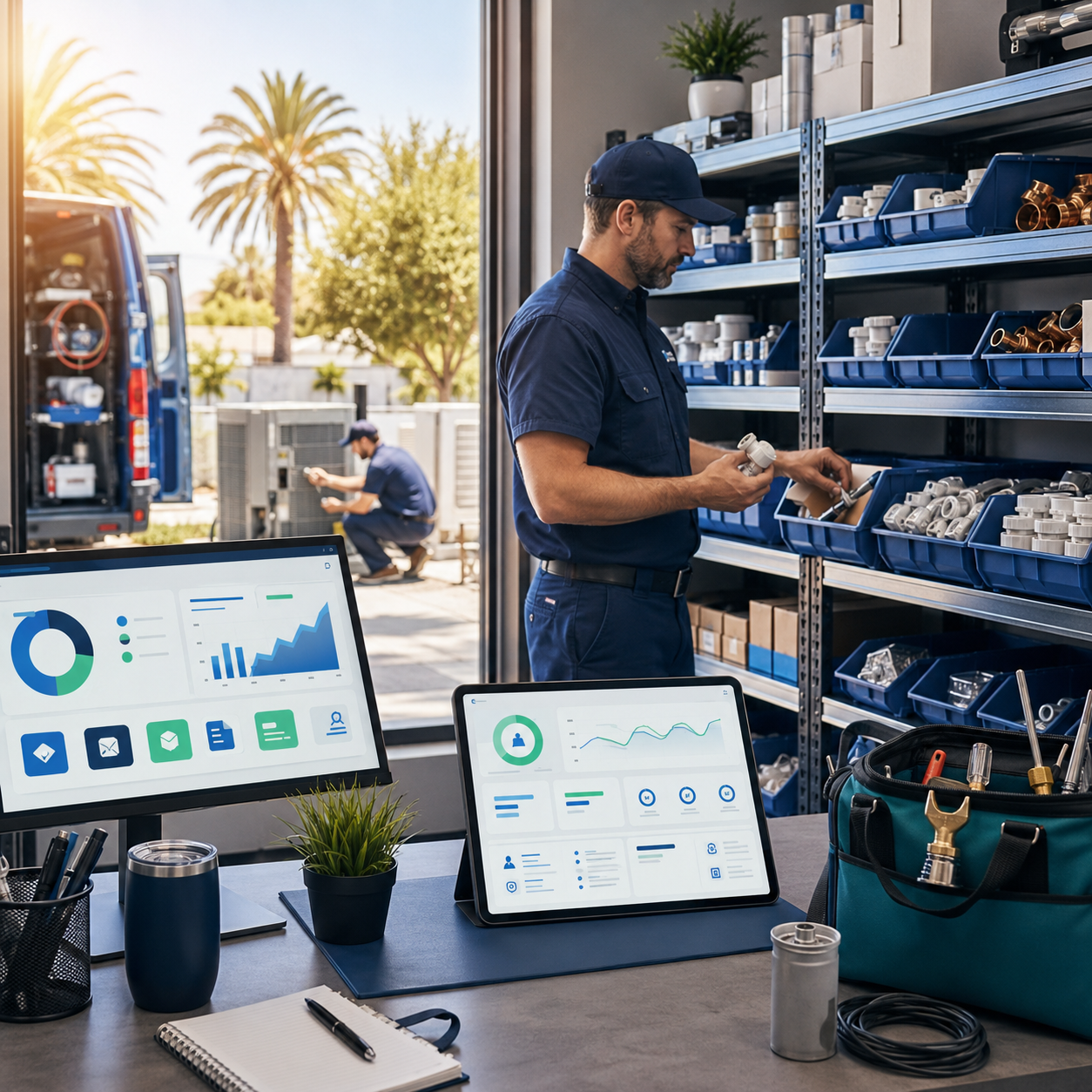
Stop Running Out of Parts at the Worst Possible Moment
Summer is coming, and if you run a field service business, you already know what that means: back-to-back calls, stretched crews, and the sinking feeling when your tech is standing in front of a broken AC unit with zero capacitors on the truck. The right field service management software doesn't just schedule jobs and send invoices. It can be the difference between a record-breaking summer and a season full of costly callbacks, frustrated customers, and margin-killing emergency supply runs.
According to the U.S. Bureau of Labor Statistics, demand for skilled trades contractors continues to grow year over year, with HVAC and plumbing sectors seeing some of the sharpest seasonal spikes. That growth is a gift, but only if your operation is built to handle the volume without falling apart at the seams.
Inventory chaos is one of the top reasons profitable summer jobs turn into break-even disasters. Let's fix that before the heat hits.
Why Summer Inventory Management Breaks Down Without a System
Most contractors manage inventory the same way they managed it five years ago: a whiteboard on the shop wall, a mental tally of what's "probably" on the trucks, and a prayer that nothing runs out mid-job. That system works fine when you're running two crews. It falls apart fast when you're juggling six.
The problem isn't discipline. It's visibility. When your parts live across three vehicles, a warehouse shelf, and a tech's personal stash in his back seat, you have no real-time picture of what you actually have. That gap costs real money. McKinsey research on supply chain operations consistently finds that inventory visibility gaps are among the top drivers of service delays and revenue leakage in field-based businesses.
The good news: modern field service management software with built-in inventory tools can close that visibility gap completely. Here are five strategies to get your stock under control before the summer surge hits.
Strategy 1: Build a Summer-Specific Par Level List Right Now
A par level is simply the minimum quantity of a part or supply you want on hand at all times. Most contractors set par levels once and forget them. Summer demands a separate set of numbers, reviewed and updated every spring.
Start by pulling your job history from last June, July, and August. Look at which parts showed up on invoices repeatedly. For HVAC contractors, that usually means capacitors, contactors, and refrigerant. For plumbers, it's often water heater elements, pressure relief valves, and hose bibb repair kits. Electricians burn through breakers and wire connectors faster than they expect when home renovations peak.
- Export last summer's job data and sort by parts used per job type
- Identify your top 15 to 20 highest-volume components
- Set summer par levels at 1.5x to 2x your off-season minimums
- Assign each item a reorder point so replenishment happens automatically
- Review par levels monthly throughout the season, not just at the start
With FieldServ AI's real-time inventory tracking, you can set these thresholds directly in the platform and receive automatic alerts before you ever hit a stockout. The system even supports auto purchase order generation, so reordering becomes a background process instead of a Friday afternoon emergency.
Strategy 2: Use Field Service Management Software to Assign Parts to Jobs Before Trucks Roll
One of the most underused features in any serious field service management software platform is pre-job parts assignment. Instead of letting techs grab what they think they'll need, you attach specific parts to specific jobs during the scheduling or dispatch phase.
This does three things. First, it forces you to confirm the part is actually available before the job is confirmed. Second, it reduces truck stock bloat because techs aren't hoarding "just in case" inventory. Third, it creates an accurate record of parts consumed per job, which feeds directly into your profit reporting.
For multi-crew businesses especially, this strategy eliminates the morning scramble where three techs are all reaching into the same bin and nobody knows who took what. Think of it as giving every part a job number before it leaves your facility.
If you're a solo operator wondering whether this level of structure is overkill for your operation, check out Myth Busted: Solo Contractors Need Field Service Management Software. The short answer is no, it's not overkill. It's exactly the kind of system that keeps a one-person shop competitive during high-volume seasons.
Strategy 3: Implement Geofenced Inventory Zones for Multi-Truck Operations
If you're running more than two vehicles, truck stock management becomes its own full-time job. Parts migrate between vehicles, quantities get miscounted, and by mid-July you genuinely have no idea which truck has the part a tech needs on the other side of town.
Geofencing combined with inventory tracking solves this. When a tech checks out a part from a specific vehicle or warehouse location, that transaction is timestamped and tied to their GPS-verified position. You always know what's where, not just what the total count is across all locations.
This connects directly to accurate time tracking and location verification, which also prevents another common summer problem: techs stopping at supply houses on company time without any record of what was purchased or why. Every supply run becomes a documented, accountable event rather than a mystery line item on your fuel costs.
Pair this with the FieldServ AI platform's dispatch and GPS tracking tools and you've got a complete picture of where your people are, what they're carrying, and what jobs are consuming which materials in real time.
Strategy 4: Automate Purchase Orders Before You Run Out, Not After
Most contractors reorder parts in one of two ways: they run out and scramble, or they remember to check stock when they happen to walk past the shelf. Neither approach scales.
Auto purchase order generation is one of those features that sounds complicated but is genuinely simple once it's set up. You define a reorder point for each item (for example, when capacitors drop below 10 units, generate a PO to your primary supplier for 25 more). The system handles the rest.
This matters more in summer because lead times from suppliers often stretch when demand spikes industry-wide. If you wait until you're at zero stock to reorder, you may be waiting three to five days in peak season when you would have waited one day in February. Automating reorders means you're almost always working from buffer stock, not scraping the bottom of the bin.
For a deeper look at how tracking the right numbers protects your business during high-demand months, read 3 Metrics Field Service Management Software Must Track in May. The principles apply just as strongly heading into summer.
Strategy 5: Connect Inventory Data to Your Quotes and Profit Reports
Here's where most contractors leave serious money on the table. Their inventory system (if they have one) exists in a silo. It doesn't talk to their quoting tool. It doesn't feed their job costing reports. So even when stock is managed reasonably well, the business owner has no real idea whether the parts on any given job are being priced correctly or whether material costs are quietly eating the margin.
When your field service management software connects inventory to quoting, every estimate automatically reflects current material costs. When it connects to profit reporting, you can see at a glance which job types are margin leaders and which are margin killers. That's not an accounting exercise. That's a growth strategy.
This integration also supports smarter upselling. When a tech documents a job and notes that a customer's water heater is aging, that observation can trigger a follow-up quote that already has the correct parts priced in. No manual lookups, no guessing, no underpricing because someone forgot to account for a fitting.
For contractors who want to understand how quoting tools connect to faster job closings and better margins, Mobile vs Desktop Quotes: Field Service Management Software That Closes Jobs Faster in 2026 is worth reading before the season kicks off.
And if you're ready to see all of these inventory and automation capabilities working together in one platform, Contact Us at FieldServ AI to schedule a walkthrough before your summer queue fills up.
Frequently Asked Questions: Inventory Management for Field Service Contractors
Q: How is inventory management inside field service management software different from a spreadsheet?
A spreadsheet requires manual updates and has no connection to your jobs, techs, or trucks. Field service management software ties inventory levels to real-time job activity, so stock counts update automatically as parts are used, and alerts or purchase orders fire without anyone needing to remember to check a column.
Q: Can a small plumbing or HVAC business really benefit from inventory tracking software, or is it just for large companies?
Small and mid-sized contractors often benefit most because they have less margin for error. A single stockout on a high-ticket summer job can cost more than the monthly software subscription. Even a two-truck operation sees measurable savings in emergency supply runs and callbacks when inventory is tracked properly.
Q: What is auto PO generation and how does it work in a field service app?
Auto PO generation means the software monitors your stock levels and automatically creates a purchase order when a part hits a predefined reorder point. In a field service app like FieldServ AI, you set the threshold and preferred supplier once, and the system generates the order without requiring manual intervention every time stock runs low.
Q: How does contractor CRM software help with inventory upselling?
Good contractor crm software stores full customer history, including equipment age, past repairs, and service notes. When that data connects to your inventory and quoting tools, techs can make informed upsell recommendations on-site with accurate, pre-priced proposals, rather than guessing or following up days later when the customer's interest has faded.
Q: Is there hvac business software or plumbing business software that handles inventory alongside scheduling and payments?
Yes. Platforms like FieldServ AI are purpose-built for trades contractors and combine inventory management, smart scheduling, dispatching, quoting, payments, and reporting in one place. Specialty hvac business software and plumbing business software features within a unified platform mean you're not stitching together five separate tools to run your operation.
Tags
Written by
FieldServ AI Team
Field service management insights from the FieldServAI team.
Related Articles
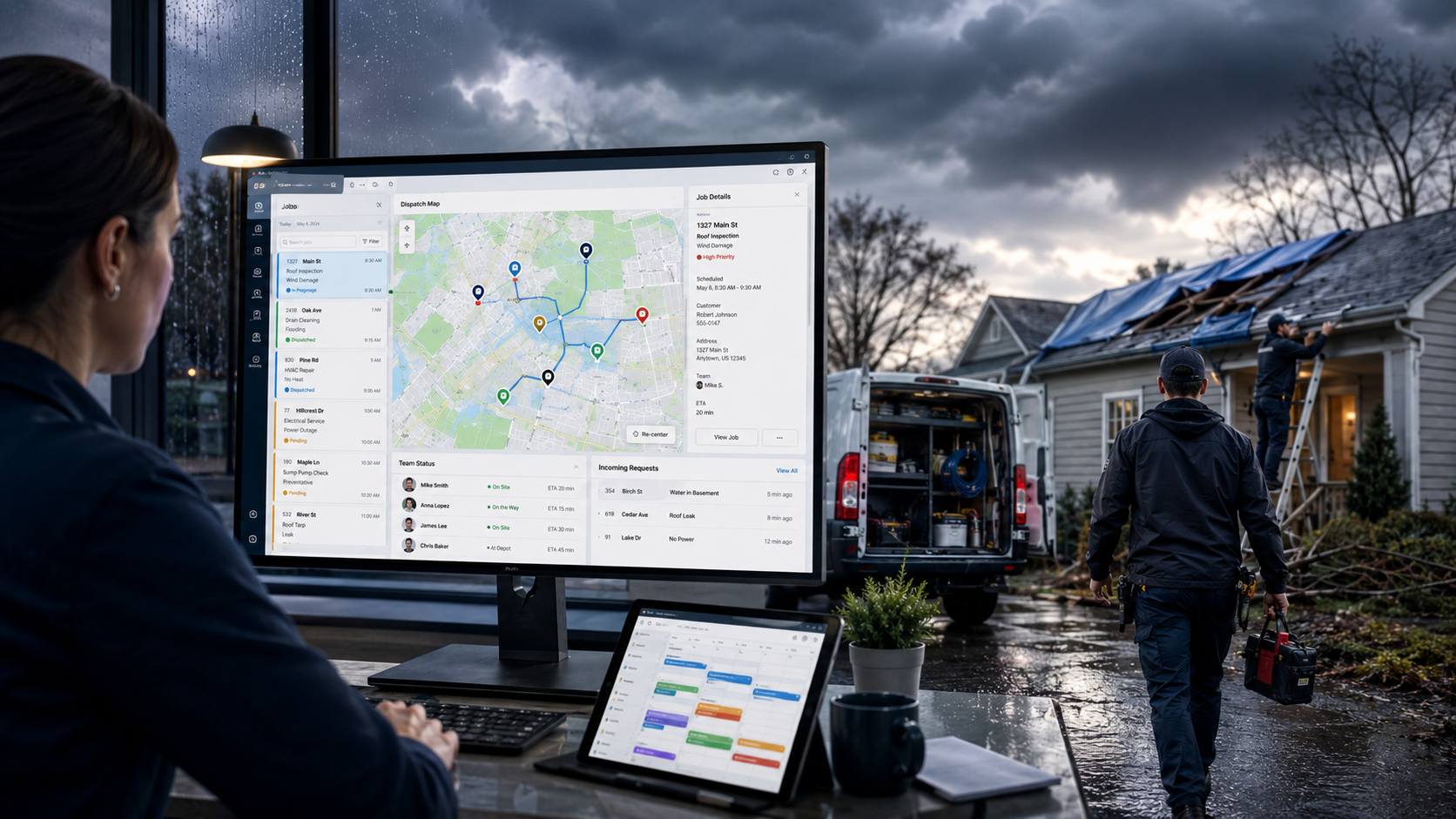
May Weather Emergencies: 7 Field Service Management Software Features That Prevent $10K+ in Missed Spring Storm Jobs
Spring storms create massive demand spikes. Discover 7 field service management software features that help contractors capture $10K+ in missed storm jobs.
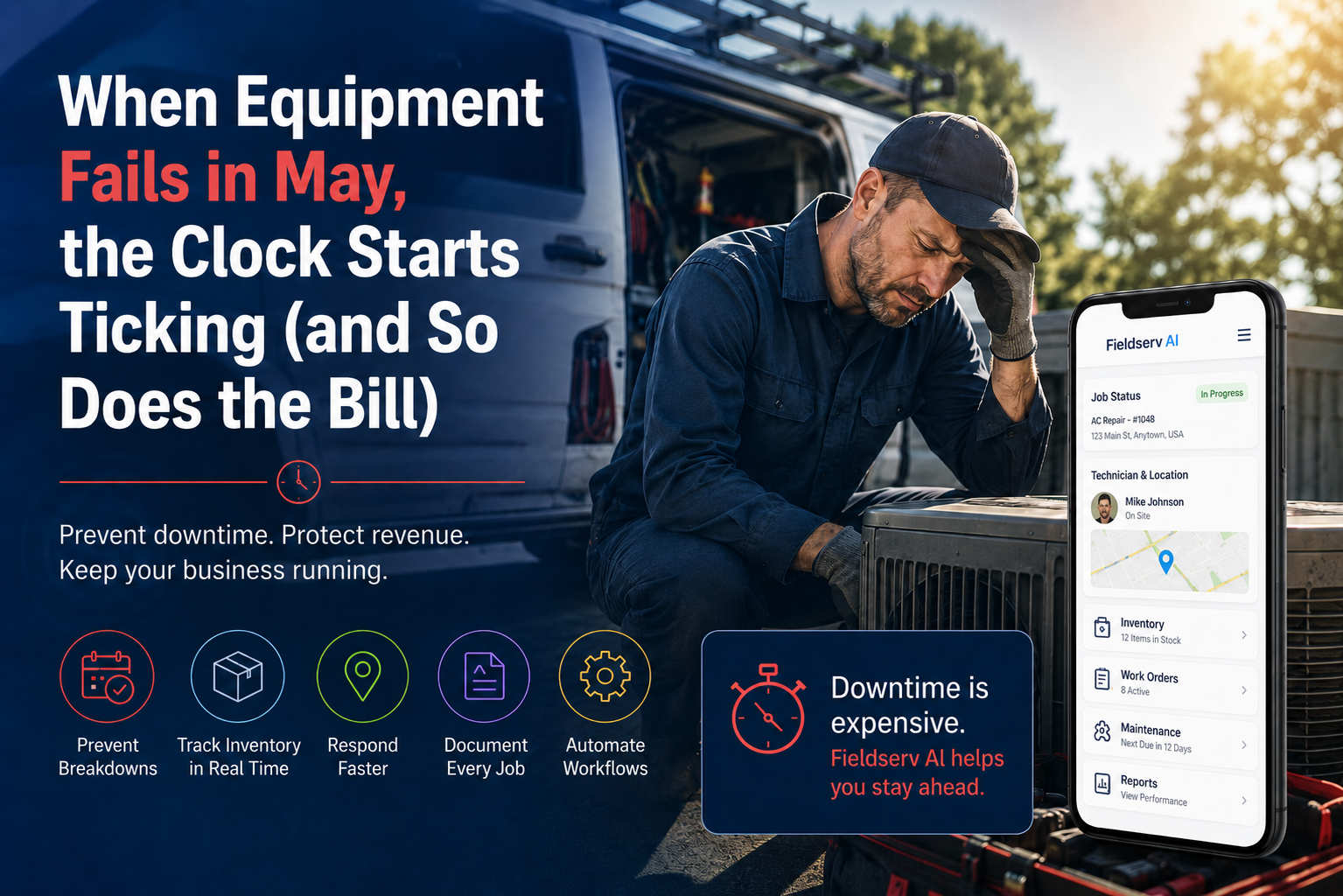
May Equipment Failures: Field Service Management Software Stops $10K+ Downtime
Equipment failures in May cost field service businesses thousands. Here are 5 ways field service management software stops the damage before it starts.

May Invoice Delays: Field Service Management Software Fixes Slow Pay
May invoice delays are draining contractor cash flow. Learn why 82% of contractors wait 30+ days to get paid and how field service management software fixes it fast.
See FieldServ AI in Action
Get a personalized demo and see how AI-powered field service management can transform your business.
Book Your Demo