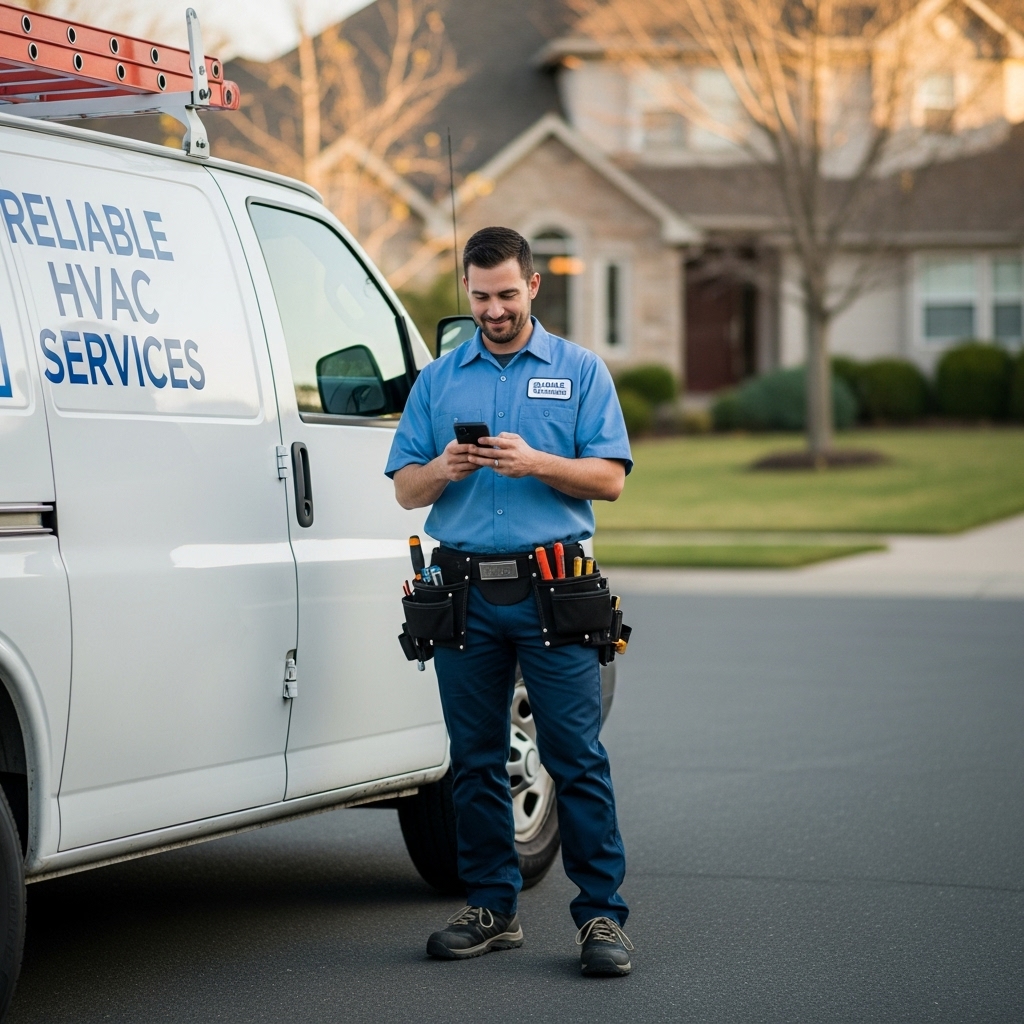
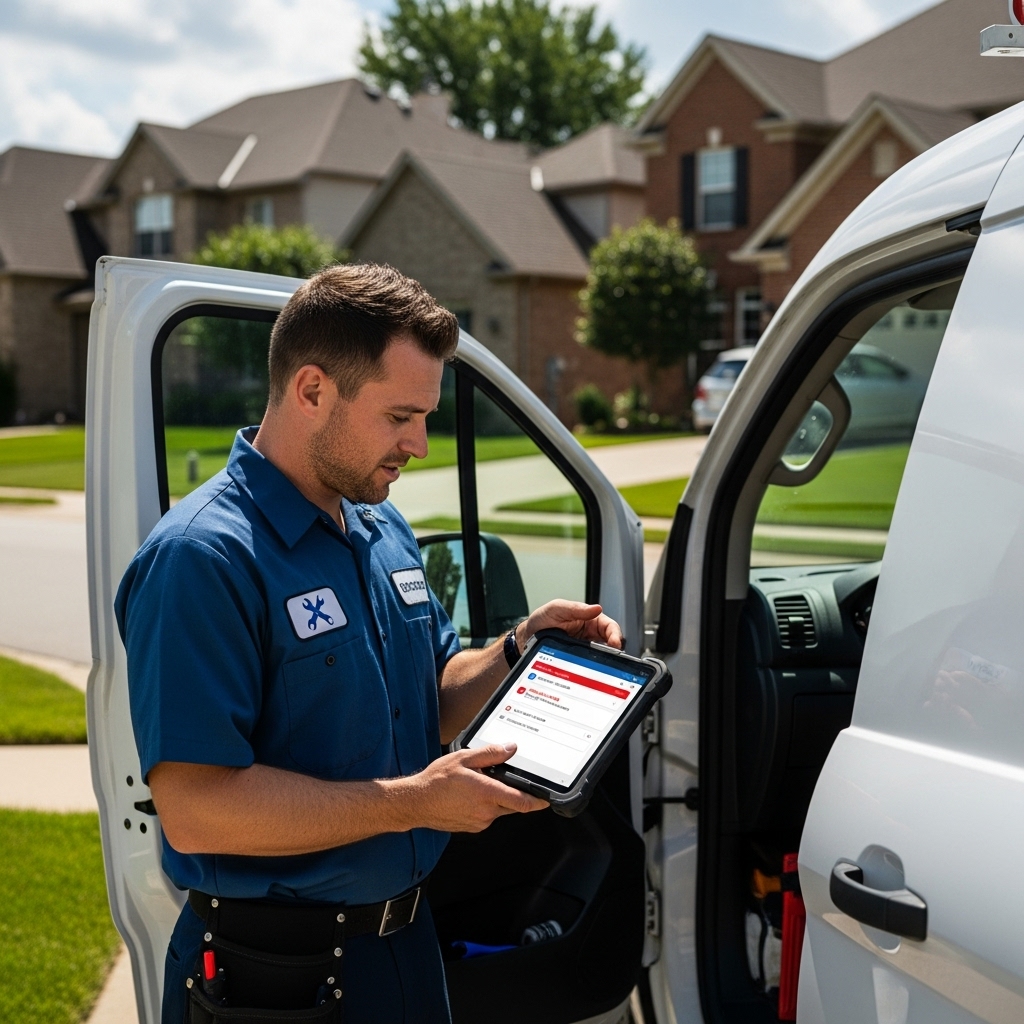
You just realized you scheduled two HVAC emergency calls for the same technician at 2 PM. One customer has been waiting since morning. The other just called with a broken AC in 95-degree heat. Your phone is ringing with both customers asking for updates. Double bookings happen from manual scheduling systems and communication gaps between office staff and field technicians. The immediate fix involves prioritizing jobs and transparent customer communication, but the permanent solution requires automated scheduling software that prevents conflicts before they happen.
This guide walks you through the immediate steps to resolve double bookings when they occur, explains why manual scheduling systems inevitably create conflicts, and shows you how field service management software eliminates the problem entirely. Whether you run a one-person plumbing operation or manage a team of twenty electricians, these strategies will save you time, money, and customer relationships. The average field service business loses 5-8 hours per week fixing preventable scheduling mistakes. Let’s make sure your business isn’t one of them.
What Is Double Booking vs Overbooking?
How Are Double Booking and Overbooking Different?
Double booking is an accidental scheduling conflict where two jobs are assigned to the same technician at the same time. This typically happens due to human error, poor communication, or manual scheduling systems that don’t show real-time availability. An office manager might schedule a service call while the technician simultaneously accepts an emergency job in the field. Neither person knows about the other’s commitment until the conflict surfaces.
Overbooking is intentionally scheduling more appointments than your team can realistically handle, assuming some customers will cancel or reschedule. Airlines use this strategy because they can predict no-show rates with statistical accuracy. Field service businesses should never intentionally overbook. Unlike airline seats, your customers need actual service delivery, not standby lists and compensation vouchers.
The distinction matters because the solutions are different. Double bookings require better systems and communication. Overbooking requires a complete strategic shift away from a fundamentally flawed approach. Manual scheduling with paper calendars, spreadsheets, or text message confirmations creates inevitable double bookings as your business grows. Even the most organized office manager can’t track real-time technician availability across multiple communication channels simultaneously.
Should You Ever Intentionally Overbook Jobs?
No. Intentional overbooking damages customer relationships and creates operational chaos that far outweighs any short-term revenue gains. When you overbook, you’re essentially lying to customers about service availability. You’re betting some will cancel, and when they don’t, you’re forced to reschedule appointments you already confirmed. This destroys trust and generates negative reviews that cost you future business.
The economics don’t work either. A single one-star review from a frustrated customer who got bumped can cost you dozens of future jobs. Studies show 86% of consumers read online reviews for local businesses before making decisions. One angry customer posting about your unreliable scheduling reaches hundreds of potential customers who will choose your competitor instead.
Better alternatives exist to maximize schedule utilization without overbooking. Implement waitlist systems for popular time slots. Use automated scheduling that suggests optimal appointment times based on technician routes and availability. Offer incentives for customers who book less popular time slots. Field service management software like FieldServ AI can maximize your schedule efficiency through smart routing and automated booking without ever creating conflicts.
Why Do Field Service Businesses Double Book Jobs?
What Are the Most Common Scheduling Mistakes?
The biggest scheduling mistake is using multiple disconnected systems to manage appointments. A customer calls the office and gets added to a paper calendar. Another customer texts the technician directly and gets verbally confirmed. A third book through your website contact form. None of these systems talk to each other, so nobody sees the full picture until conflicts surface.
Communication breakdowns between dispatch and field teams create the majority of double bookings. Your office manager doesn’t know the technician already committed to an emergency call during a customer conversation. The technician doesn’t know the office, just scheduled them for a job across town. Without real-time visibility into technician availability, every scheduling decision is made with incomplete information.
Lack of automated conflict detection means scheduling mistakes aren’t caught until it’s too late. Spreadsheets won’t alert you when you enter overlapping appointments. Paper calendars don’t highlight scheduling conflicts. Human memory fails when you’re managing multiple technicians across dozens of weekly appointments. By the time you discover the double booking, both customers are already expecting service.
Here’s a common scenario: Your HVAC technician finishes a morning job early and calls to say he can squeeze in an extra appointment. Your dispatcher quickly books a service call for 1 PM. Meanwhile, the technician stopped for lunch and agreed to help his regular customer with an urgent repair, also at 1 PM. Neither person knows about the other’s commitment until 12:45 PM when the technician checks his schedule and sees two jobs at the same time.
How Do Manual Processes Lead to Double Bookings?
Manual scheduling creates information silos where different people make decisions based on different data. Your office staff sees the master schedule but doesn’t know the technician is running late on the current job. Your technician knows their real-time availability, but doesn’t see what the office already scheduled. Customers who call multiple times might get booked twice if different people answer the phone.
Spreadsheets and paper calendars require constant manual updating, and the updates don’t happen in real time. If you schedule a job at 10 AM, but your technician doesn’t check the updated schedule until noon, they might accept a conflicting appointment in the meantime. Every hour of lag between scheduling and communication increases the risk of double bookings.
Text message confirmations get lost in busy workdays. A technician might verbally agree to a job during a customer conversation but forget to update the central schedule. Customers who don’t receive written confirmation might call back and get rescheduled. Multiple team members managing schedules without coordination creates overlapping authority where everyone assumes someone else is tracking conflicts.
The problem compounds as you grow. One technician with a paper calendar works fine. Five technicians managed through spreadsheets becomes difficult. Twenty technicians scheduled through email and phone calls becomes impossible. The manual processes that worked when you were small become the bottleneck preventing growth.
How Do You Handle a Double Booking When It Happens?
What Should You Do First When You Discover a Conflict?
Contact both customers immediately with complete transparency about the scheduling error. Delaying the conversation only makes it worse because customers are already planning their day around your appointment. Call as soon as you discover the conflict, apologize directly, and explain what happened without making excuses. Most customers appreciate honesty and will work with you if you’re upfront.
Assess which job has genuine urgency and which can reasonably reschedule. Emergency repairs take priority over routine maintenance. A broken water heater flooding someone’s basement trumps a scheduled AC tune-up. Consider customer history too. Long-term loyal customers might deserve priority over first-time callers, or vice versa, if you’re trying to make a strong first impression.
Offer meaningful compensation for the inconvenience. Provide a discount on the rescheduled service, upgrade to priority scheduling for their next appointment, or send a different technician if you have backup available. The cost of a small discount is nothing compared to the cost of a lost customer and negative review. Document exactly what went wrong in your scheduling process so you can prevent the same mistake from happening again.
If possible, mobilize additional resources to honor both commitments. Can you send a different technician or subcontract the job? Can you pay overtime to squeeze both appointments into the schedule? Sometimes the best solution is finding a creative way to deliver for both customers instead of disappointing one.
How Can You Minimize Customer Impact?
Follow up personally after resolving the conflict to ensure customer satisfaction. A quick call a day or two later shows you care about the relationship beyond just fixing the immediate problem. Ask if they were satisfied with how you handled the situation and if there’s anything else you can do. This personal touch often converts a negative experience into a loyalty-building moment.
Turn the mistake into an opportunity to showcase your customer service. Customers remember how you handle problems more than they remember the problems themselves. Respond faster than expected, communicate more than necessary, and deliver more value than promised. A customer who sees you take ownership and make things right becomes a stronger advocate than one who never experienced an issue.
Implement an expedited reschedule that works around the customer’s availability, not just yours. Offer early morning, evening, or weekend slots if needed. Make it clear they’re now your priority and you’ll do whatever it takes to earn back their trust. Many field service businesses find that customers who experience a well-handled service recovery become their most loyal accounts.
Provide written confirmation of the new appointment via email or text so there’s no confusion. Include direct contact information for a specific person they can call if anything changes. Follow-up communication prevents compound mistakes where rescheduled appointments get missed due to poor coordination.
How Can You Prevent Double Bookings Permanently?
What Features Does Scheduling Software Need?
Real-time calendar updates across all devices are non-negotiable for preventing double bookings. When your dispatcher schedules a job, your technician’s mobile app should update instantly. When your technician marks a job complete in the field, the office should see the updated availability immediately. This shared visibility eliminates the information gaps that create scheduling conflicts.
Automated conflict detection alerts you before double bookings happen, not after. Quality field service management software won’t let you schedule overlapping appointments. If you try to assign a technician to two jobs at the same time, the system flags the conflict and prevents you from confirming the appointment. This built-in safeguard catches mistakes that human schedulers miss when they’re busy or distracted.
Mobile apps for technicians provide instant access to daily assignments, customer information, and job details. Your team can see their entire schedule, mark jobs complete, add notes, and update status without phone calls to the office. Field service scheduling software eliminates the communication lag that creates double bookings in manual systems. Changes sync automatically so everyone works from the same current information.
Integrated customer communication ensures confirmation messages, appointment reminders, and schedule updates happen automatically. When you book a job, the customer receives immediate text or email confirmation. Automated reminders reduce no-shows that waste technician time. FieldServ AI handles scheduling, dispatch, and customer communication in one unified platform so you never have to juggle multiple tools or worry about information falling through the cracks.
What Other Tools Help Reduce Scheduling Errors?
Two-way SMS messaging lets customers confirm, reschedule, or cancel appointments without phone calls. Automated text messages asking customers to confirm 24 hours before their appointment catch potential conflicts early. Customers can reply directly to reschedule, which automatically updates your schedule and prevents wasted trips. This reduces no-shows by 30-40% compared to businesses that don’t send reminders.
Digital dispatch boards show all technician locations, current assignments, and real-time availability at a glance. Your dispatcher can see exactly where everyone is, which jobs are in progress, and who has capacity for emergency calls. Visual scheduling tools make it obvious when appointments overlap because you can see the timeline for each technician simultaneously.
Smart routing features calculate realistic travel time between appointments so you don’t accidentally schedule jobs too close together. The software accounts for drive time, typical job duration, and buffer time for unexpected delays. FieldServ AI’s intelligent scheduling considers your technicians’ locations and suggests optimal appointment times that maximize efficiency while preventing the rushed schedules that lead to poor service quality.
Waitlist management features let you fill cancellations automatically without manual coordination. When a customer cancels, the system can notify people on the waitlist and offer them the newly available slot. This maximizes schedule utilization without overbooking, giving you the revenue benefits of a full schedule while maintaining reliable service delivery.
Integration with accounting software like QuickBooks ensures job scheduling automatically syncs with invoicing and payment tracking. When scheduling, dispatch, and billing work together in one system, you eliminate the duplicate data entry that creates errors. FieldServ AI connects your entire operation from lead generation through job completion and payment collection, reducing administrative overhead while improving accuracy.
Bottom Line
Double bookings are symptoms of disconnected manual systems, not inevitable facts of field service life. Automated field service management software eliminates scheduling conflicts through real-time updates, conflict detection, and integrated communication. The technology exists to prevent these problems completely, freeing you from the constant firefighting that comes with manual scheduling.
FieldServ AI provides comprehensive scheduling, automated customer communication, and real-time dispatch coordination in a single platform. More importantly, it includes AI-powered lead prospecting that no other field service software offers, helping you fill your schedule with qualified customers while preventing the double bookings that damage your reputation.
Frequently Asked Questions
What’s the main cause of double bookings in field service businesses? The main cause is using disconnected manual scheduling systems where different people make decisions without real-time visibility into technician availability. When your office staff, field technicians, and customers all communicate through different channels (phone, text, email, paper calendars), scheduling conflicts become inevitable as your business grows.
How much does a double booking typically cost a field service business? A single double booking costs between $200-500 in direct expenses including lost revenue from the rescheduled job, potential overtime costs, and customer compensation. Indirect costs including damaged reputation, negative reviews, and lost future business can multiply this by 5-10x. Field service businesses that experience frequent double bookings can lose thousands of dollars monthly.
Should I ever intentionally overbook my field service schedule? No. Unlike airlines that can statistically predict no-shows, field service businesses have different customer expectations and service delivery requirements. Intentional overbooking destroys customer trust, generates negative reviews, and creates operational chaos. Better alternatives include waitlist systems, smart routing that maximizes schedule density, and automated scheduling that suggests optimal appointment times.
What should I say to a customer when I discover a double booking? Contact them immediately with complete transparency. Say something like: “I need to apologize. We made a scheduling error and accidentally booked two appointments at the same time. I take full responsibility for this mistake. Here’s what I can do to make this right…” Then offer specific solutions including expedited rescheduling, discounts, or sending a different technician if possible.
How do I prevent double bookings if I have multiple people scheduling appointments? Implement field service management software with real-time calendar syncing and automated conflict detection. Everyone who schedules appointments should use the same system with instant updates across all devices. The software should prevent overlapping appointments automatically rather than relying on people to manually check availability before every booking.
Can scheduling software really eliminate double bookings completely? Yes, when properly implemented. Quality field service management software prevents you from creating scheduling conflicts through automated conflict detection. If you try to assign a technician to two jobs at the same time, the system flags the error and won’t let you confirm the appointment. This removes human error from the equation.
What features should I look for in field service scheduling software? Essential features include real-time calendar updates across all devices, automated conflict detection and alerts, mobile apps for technician access, integrated customer communication (SMS confirmations and reminders), smart routing with travel time calculation, and digital dispatch boards showing all technician locations and availability simultaneously.
How long does it take to implement field service management software? Most small to mid-size field service businesses can implement comprehensive field service management software within 1-2 weeks. The process includes data migration from your existing system, staff training, and initial setup. Quality platforms like FieldServ AI provide guided onboarding that gets you operational quickly with minimal disruption to your daily operations.
What’s the difference between basic scheduling software and full field service management software? Basic scheduling software only handles appointment calendaring. Full field service management software like FieldServ AI integrates scheduling with dispatch, customer communication, invoicing, payment processing, and field technician mobile tools. The comprehensive approach eliminates double bookings more effectively because all aspects of job management work together in real-time rather than requiring manual coordination between separate systems.
How do I transition from manual scheduling to automated software without losing appointments? Start by entering your current scheduled appointments into the new system, then run both systems in parallel for 1-2 weeks. Schedule all new appointments exclusively in the software while maintaining your old system as backup. Once you’re confident everything transferred correctly, fully cut over to the new system. Most field service management software providers offer data migration assistance to ensure nothing gets lost during the transition.